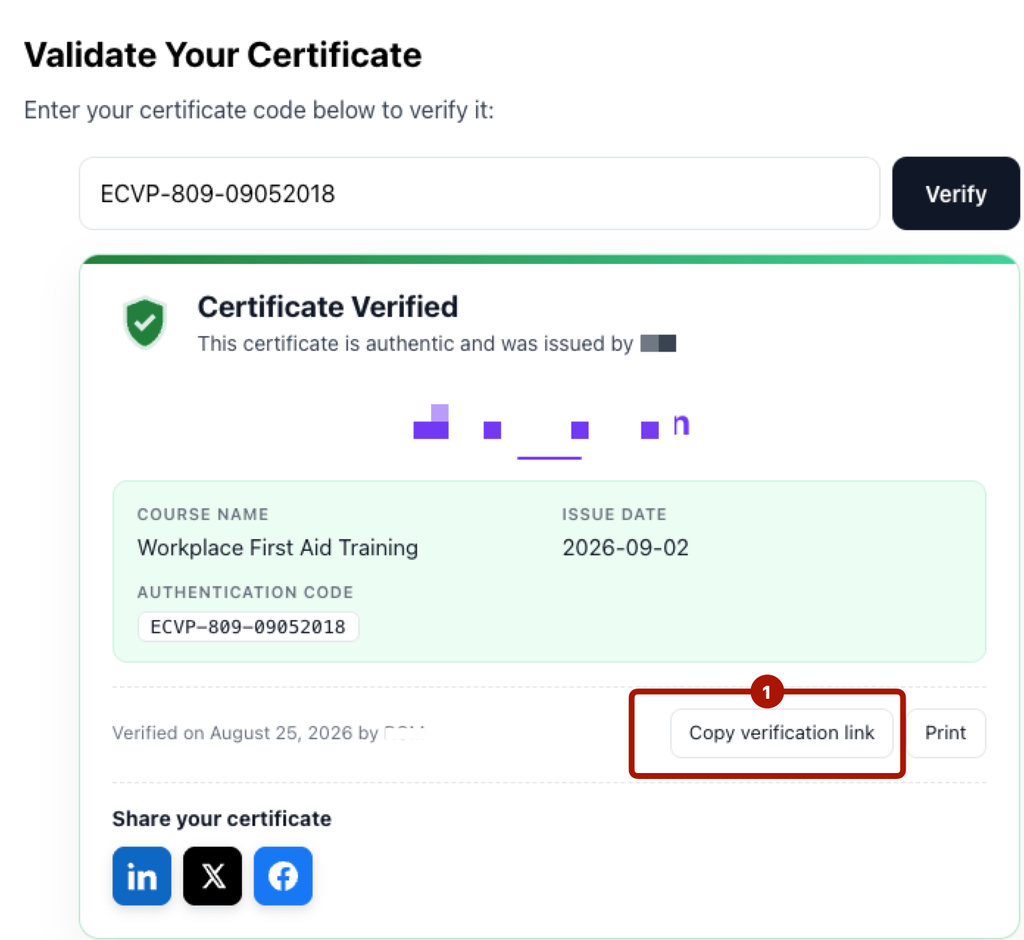
Instead of asking people to type a code, you can give them a link that verifies the certificate automatically. This is perfect for emails, LinkedIn profiles and printed certificates.
How a direct link works
Take your verification page URL and add the Authentication Code to the end:
You can also use the shorter form:
When someone opens that link, the form fills in the code and shows the result automatically — no typing needed.
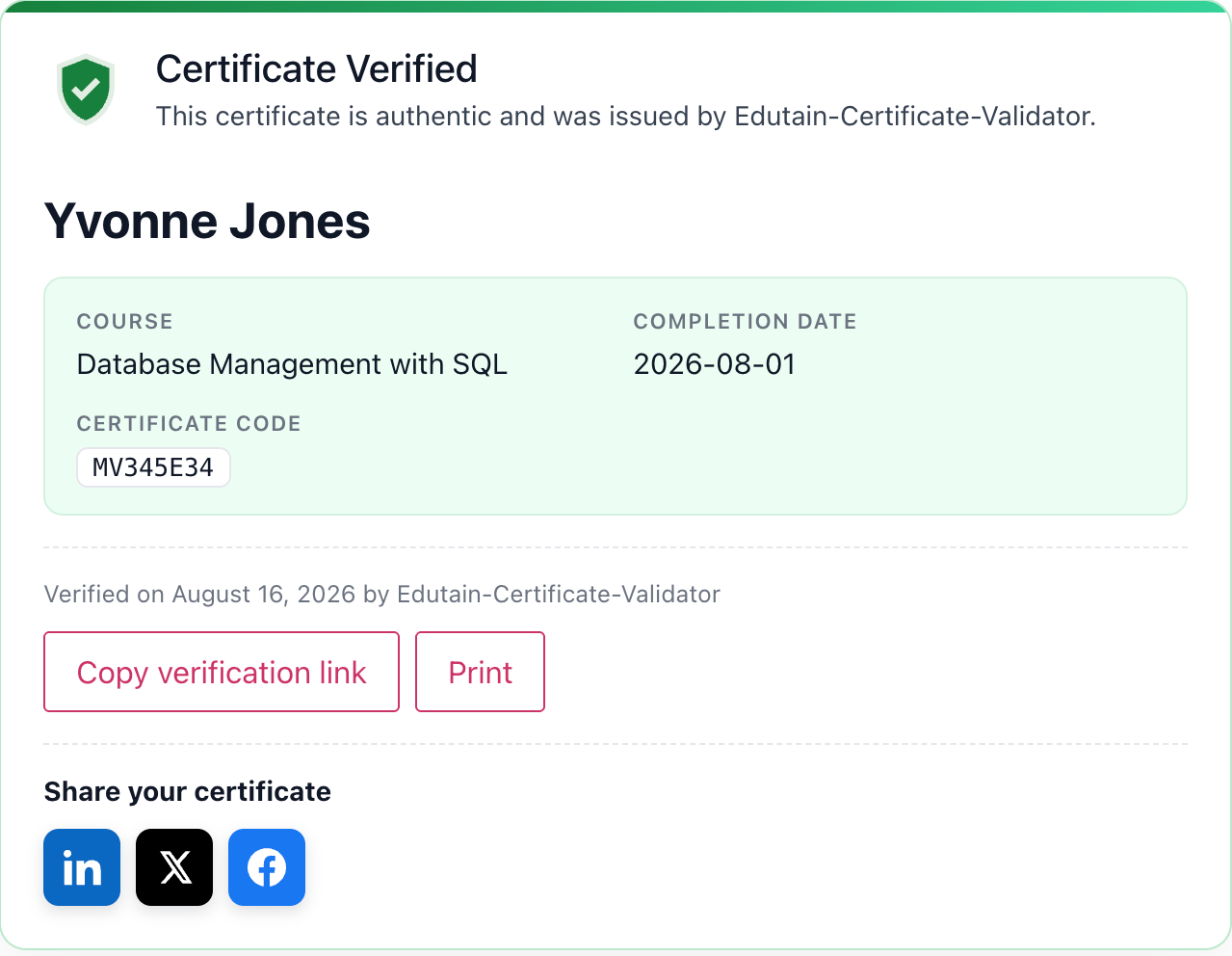
Where direct links are useful
- In certificate emails — one click to verify.
- On LinkedIn — a learner adds the link as the credential URL on their profile.
- On printed certificates — print the link, or turn it into a QR code with Pro (section 19).
The copy-link button
Every successful verification result includes a copy-link button, so a learner who’s just verified their certificate can grab their own shareable link instantly.