Your certificates are stored in your own WordPress database, which means they’re already covered by the backups you (or your host) run for the whole site. It’s still worth understanding your options.
Three ways to back up
- Your host’s backups — most hosting plans back up your database automatically. Your certificate records are included.
- A WordPress backup plugin — tools like UpdraftPlus back up your database on a schedule and can restore it if needed.
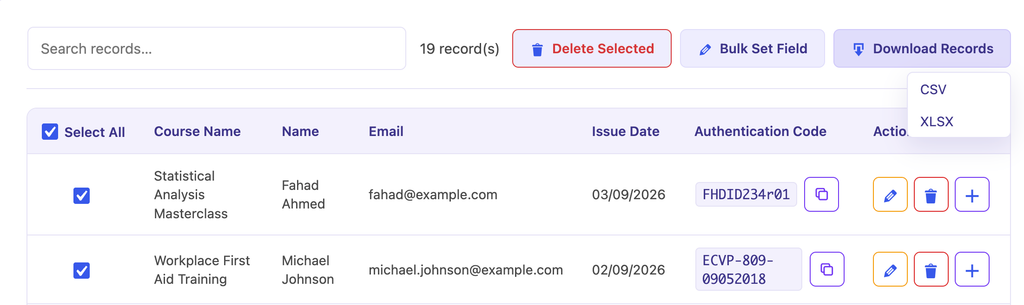
- Export from the plugin — the quickest self-serve option. Go to Manage Data and export a CSV or XLSX. Keep the file somewhere safe.
How often should you back up?
Export a fresh copy whenever you add a large batch of certificates, and before any big change — such as bulk edits, a plugin update, or moving your site. A monthly export is a good baseline for most training providers.
Where is my data kept? All records sit in a dedicated table ({prefix}_edcv_certificates) in your WordPress database. Nothing is stored on any external server.


