The verification form is what turns a page on your site into a place where anyone can check a certificate. The plugin creates one for you automatically, and you can add more anywhere you like.
You may not need to do anything
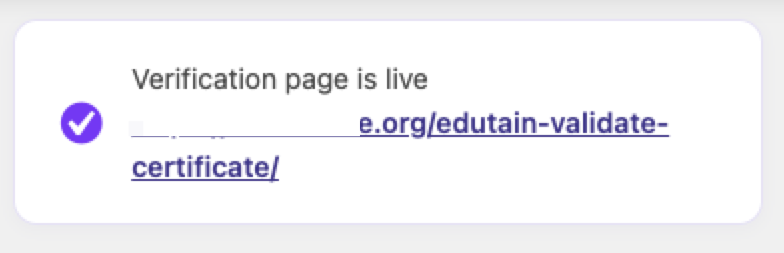
When you activate the plugin, it publishes a page called Validate Certificate that already contains the form. For many sites, that page is all you need.
Adding the form to another page
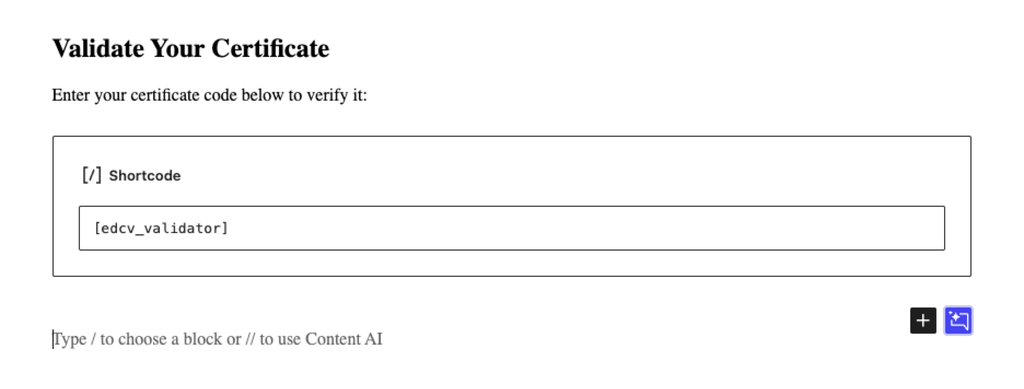
To put the form on a different page; for example on your homepage or on a custom”Verify” page or on a course landing page — add this shortcode:
“[edcv_validator]“
- Block editor (Gutenberg): add a Shortcode block and paste it in.
- Classic editor: paste it straight into the content.
- Elementor / Divi / Beaver Builder: use the shortcode widget or module.
The shortcode works in any theme or page builder that supports shortcodes, so you’re not locked into a particular design tool.


