Made a typo in a learner’s name, or need to correct a completion date? You can edit any record individually at any time.
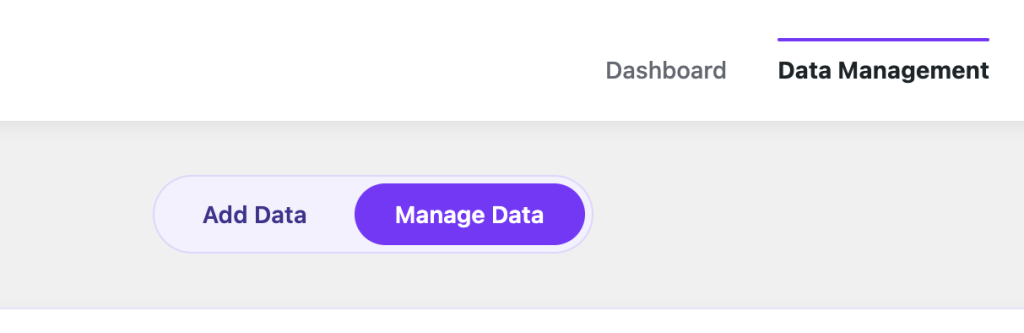
- Go to Certificate Validator → Data Management and open the Manage Data tab.
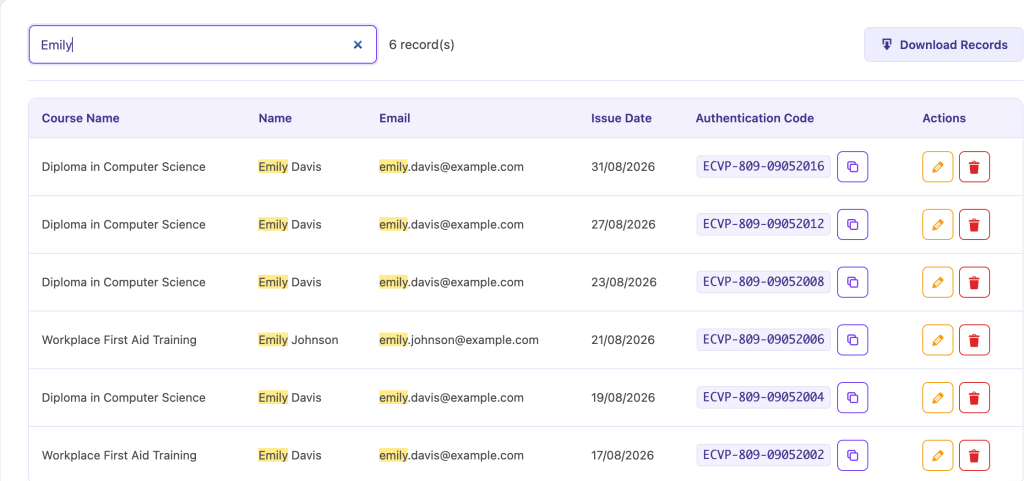
- Use the search box to find the record — you can search by name, course or authentication code.
- Click Edit on the record you want to change.
- Update any field and click Save.
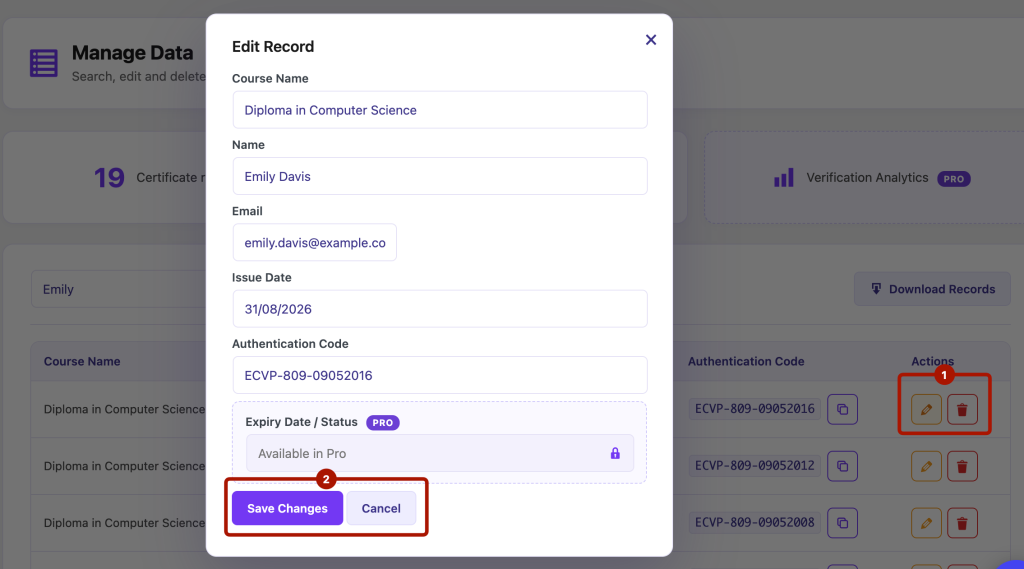
Changes take effect immediately on the public verification page. The authentication code itself can be edited too, but remember that if you change it, the old code will no longer verify — so only change a code if you’re sure no one is already using it.
Finding records quickly
The Manage Data table lets you search, sort and page through your records, which makes it easy to locate a single certificate even in a large dataset. Click a column heading to sort by it.


