By default, uninstalling the plugin keeps your certificate data, so you never lose records by accident. If you genuinely want everything removed, you have to opt in first.
If you want your data deleted on uninstall
- Go to Certificate Validator → Data Management → Add Data.
- Find the Data & Settings setting from the bottom of the page.
- Turn on the Delete all certificate data when the plugin is uninstalled.
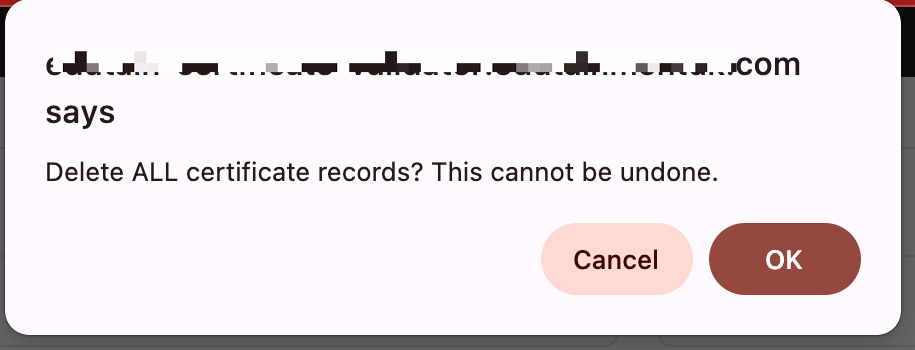
- Then Click the Delete All Records button.
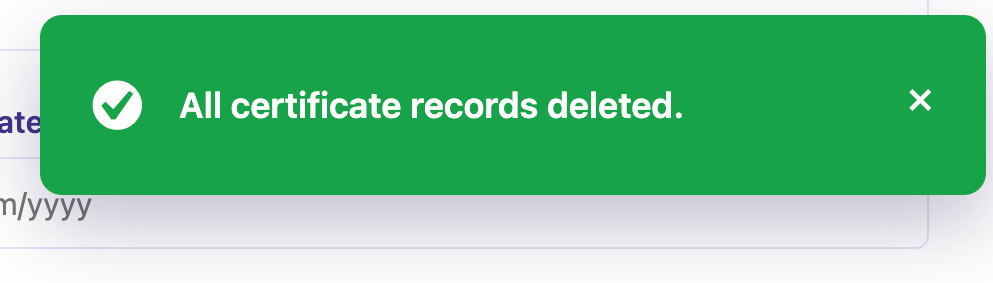
- Now, all the records have been deleted and you can deactivate and delete the plugin as normal.


Important points
- Deactivating the plugin changes nothing — all your data stays in place.
- Uninstalling also keeps your data unless you’ve turned on the deletion setting above.
- Core certificate data and Pro data have separate deletion switches. If you want a completely clean removal, turn on both before uninstalling.
Reminder: Deletion is permanent. Export a backup first if there’s any chance you’ll want the records back.


